


Your WiFi keeps slowing down because you’re running out of wireless highway lanes, not internet speed. A WiFi 6E router opens up an entire new 6 GHz frequency band that most routers can’t touch yet. This gives you 1200 MHz of fresh spectrum with zero old devices competing for space. That means faster speeds, lower lag, and room for all your devices to run at once without tripping over each other. If you live somewhere crowded or run bandwidth-heavy stuff like gaming or video calls, this actually matters.
Understanding WiFi 6E Router Technology and the 6 GHz Band

A WiFi 6E router takes the WiFi 6 standard (802.11ax) and extends it into the 6 GHz wireless spectrum. The WiFi Alliance announced the WiFi 6E designation in 2020. That “E” stands for extension. This happened after the FCC voted unanimously in April 2020 to open the 6 GHz band for unlicensed use, which was the biggest spectrum addition to WiFi since 1989.
The only difference between a standard WiFi 6 router and a WiFi 6E router is access to this new 6 GHz band.
WiFi 6E routers use tri-band architecture. They operate on three separate frequency ranges: the traditional 2.4 GHz and 5 GHz bands, plus the newly available 6 GHz band. This 6 GHz addition covers roughly 5.925 to 7.125 GHz, providing 1200 MHz of additional spectrum in the United States. That effectively doubles the total available WiFi spectrum compared to what the 2.4 GHz and 5 GHz bands offered before.
Not everyone needs a WiFi 6E router right now.
These routers work best in high-density environments like apartment complexes, office buildings, or crowded urban areas where spectrum congestion slows down traditional WiFi. They also help users running latency sensitive applications like online gaming, video conferencing, or virtual reality. For most people, upgrading only makes sense when you’re already buying a new standalone router. Current range limitations and the need for compatible devices (both your router and your phone, laptop, or tablet must support 6 GHz) limit the immediate benefits you’ll actually notice.
How WiFi 6E Differs From WiFi 6, WiFi 5, and WiFi 7 Standards
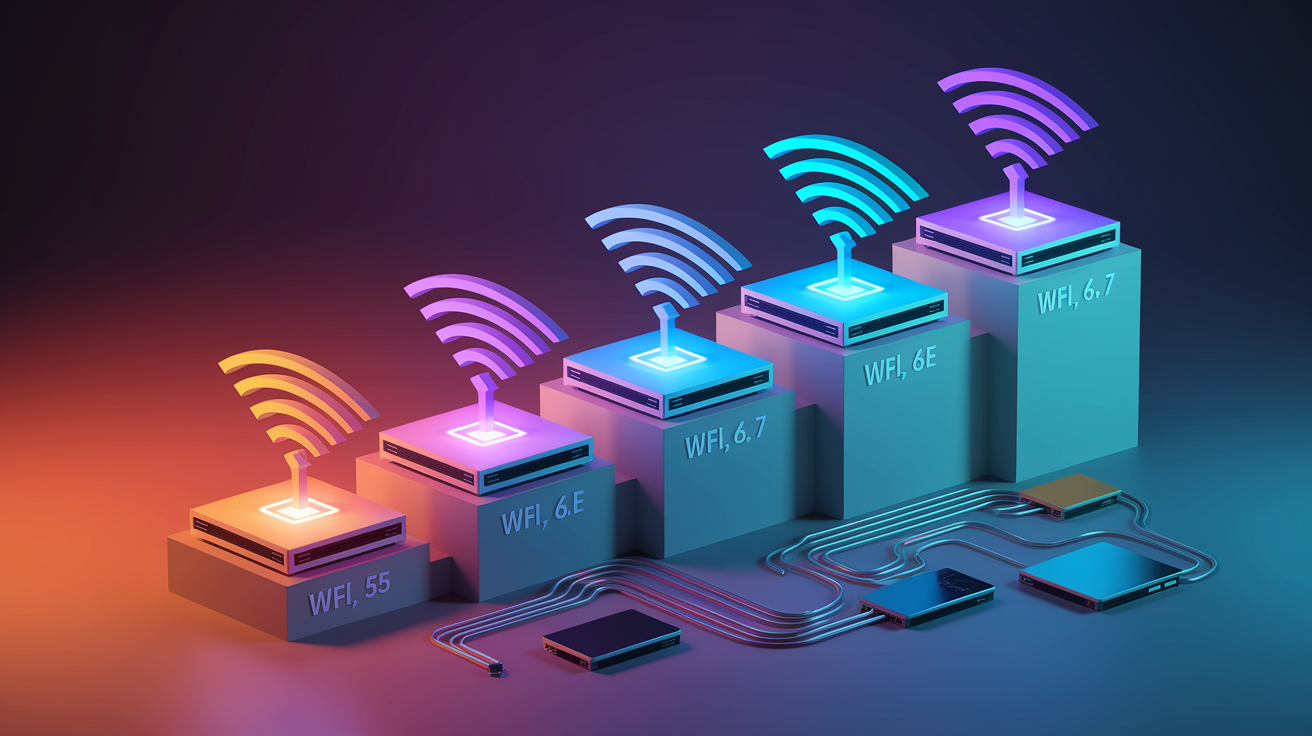
WiFi 6E sits in an interesting position within the evolution of wireless standards. It shares the same 802.11ax foundation as WiFi 6 but extends into new spectrum territory, while also bridging toward the upcoming WiFi 7 standard. Understanding where it fits helps clarify whether it’s the right choice for your setup.
Compared to WiFi 5 (the 802.11ac standard), WiFi 6 already represented a significant jump forward. WiFi 5 operated only on the 5 GHz band, while WiFi 6 added 2.4 GHz support with improved efficiency. CNET testing showed early WiFi 6 routers delivering speeds 40 to 60% faster than WiFi 5 models before WiFi 6E added the 6 GHz spectrum. That speed boost came from better data encoding and multi-device handling, but both standards still shared the same crowded frequency space with neighbors and legacy devices.
The jump from WiFi 6 to WiFi 6E is all about spectrum. Standard WiFi 6 operates on 2.4 GHz and 5 GHz only. The 5 GHz band provides about 500 MHz of usable spectrum. WiFi 6E adds 1200 MHz of additional spectrum in the 6 GHz range, effectively doubling the available airwaves. The difference in channel capacity is dramatic. The 2.4 GHz band offers only three non-overlapping channels that every nearby network has to share. The 6 GHz band adds 14 additional 80 MHz channels or 7 additional 160 MHz channels, all brand new with no legacy devices competing for space.
WiFi 7 (the 802.11be standard) operates on the same tri-band setup as WiFi 6E but pushes bandwidth even further. It effectively doubles the 6 GHz band capacity and introduces Multi-Link Operation, which lets devices connect to different bands simultaneously. WiFi 6E devices can only connect to one band at a time. WiFi 7 advertises support for up to 46 gigabits per second, though that’s a theoretical maximum unrealistic for home internet use. WiFi 7 maintains backward compatibility with WiFi 6E equipment and will also use the 6 GHz spectrum as it becomes more widely available.
WiFi 6E is a WiFi Alliance certification, not a separate IEEE standard. It’s built on the same 802.11ax foundation as WiFi 6. All WiFi 6E routers remain fully backward compatible with older WiFi standards, so your existing devices will still connect without issues.
Key Benefits and Real-World WiFi 6E Router Performance

Real-world testing shows WiFi 6E routers deliver measurable performance improvements over their predecessors. At a 15 foot distance under favorable conditions, WiFi 6E achieves roughly 1.8 Gbps throughput compared to 1.1 Gbps for standard WiFi 6, representing a 56% speed increase. Latency drops below one millisecond in optimal conditions, making a noticeable difference for time-sensitive applications like competitive gaming or video calls.
The congestion reduction comes from the 6 GHz band being exclusive to new devices. Unlike 2.4 GHz and 5 GHz bands that carry legacy WiFi 4 and WiFi 5 traffic, the 6 GHz spectrum has no old devices competing for space. There’s also no interference from Bluetooth devices or microwave ovens, both of which operate in the 2.4 GHz range. More available channels and less spectrum contention mean lower latency and more consistent performance, even when multiple devices are active at once.
The practical benefits break down like this:
Internet speeds exceeding 1 Gbps with the potential for multi-gigabit capacity when your internet service provider supports it. Latency under one millisecond for real-time applications that need instant response. Online gaming with minimal lag, plus smooth performance on cloud gaming services like Xbox Cloud Gaming or GeForce Now. VR and AR streaming without stuttering or quality drops during immersive experiences. 4K and 8K video streaming to multiple devices at the same time without buffering. Video conferencing and telehealth appointments that don’t degrade when other devices are active on your network. Remote device control and smart home automation with faster response times. Doubled bandwidth on clean 6 GHz spectrum with minimal interference compared to congested 5 GHz channels.
Reduced spectrum congestion means you can run multiple high-bandwidth activities simultaneously without performance degradation. A household could have someone gaming in VR, another person streaming 4K video, and a third on a video conference call, all without noticeable slowdowns. WiFi 6E effectively doubles bandwidth while lowering congestion compared to WiFi 6, particularly in environments where the 5 GHz band is crowded with nearby networks.
Advanced WiFi 6E Router Technologies: OFDMA, MU-MIMO, and QAM

WiFi 6E routers inherit three key technologies from the WiFi 6 standard that work together to deliver faster speeds and better multi-device performance. These features operate across all three bands and become particularly effective on the less congested 6 GHz spectrum.
OFDMA for Efficient Multi-Device Communication
OFDMA (Orthogonal Frequency-Division Multiple Access) splits WiFi channels into smaller resource units. Instead of one device using an entire channel and making others wait their turn, OFDMA allows multiple users and devices to send data simultaneously on the same frequency bands. Think of it like changing a single lane road into a multi-lane highway where different vehicles can travel at the same time. This matters most when you have many devices active at once, like during video calls, downloads, and smart home activity happening simultaneously.
Enhanced MU-MIMO Technology
Multi-User Multiple Input Multiple Output (MU-MIMO) allows multiple devices to communicate with the router at the same time rather than taking turns. Earlier WiFi standards used single user MIMO, which meant the router could only talk to one device at a time, even if it had multiple antennas. WiFi 6E supports enhanced MU-MIMO that increases the number of simultaneous connections, improving network efficiency when you have phones, laptops, tablets, and smart home devices all competing for bandwidth.
1024-QAM Modulation for Higher Data Rates
Quadrature Amplitude Modulation (QAM) is how routers translate data into radio signals. WiFi 6E uses 1024-QAM, compared to 256-QAM in WiFi 5. The higher number means more data packed into each signal. 1024-QAM delivers roughly 25% more data per signal, contributing to speed improvements around 35% compared to older modulation techniques. This increase is most noticeable when you’re close to the router with a clear line of sight and a strong signal.
These three technologies combine to make WiFi 6E routers more efficient at handling multiple devices, delivering faster speeds, and maintaining consistent performance even when your network is busy. They work across all three frequency bands but show the biggest improvements on 6 GHz where there’s less interference and more clean spectrum to work with.
WiFi 6E Router Security Features and WPA3 Encryption
WPA3 encryption is mandatory for all WiFi 6E connections on the 6 GHz band. This is different from standard WiFi 6, where WPA3 is optional on the 2.4 GHz and 5 GHz bands. The requirement means every device connecting to your 6 GHz network automatically uses the stronger security protocol, which provides better protection against brute force attacks where someone tries thousands of password combinations to break into your network. WPA3 also includes protection against offline dictionary attacks and stronger encryption for open networks.
WiFi 6E also requires Enhanced Open (officially called Opportunistic Wireless Encryption) for open networks that don’t require passwords. If you set up a guest network without a password on the 6 GHz band, Enhanced Open provides encryption for the traffic even though users don’t need to enter credentials. This protects data in public access scenarios like coffee shops or waiting rooms where requiring passwords isn’t practical but you still want to prevent eavesdropping on unencrypted traffic.
Target Wake Time (TWT) isn’t strictly a security feature, but it relates to how devices maintain secure connections while conserving power. TWT schedules specific wake intervals for IoT sensors, smart home devices, and mobile devices, so they only connect to the router when they need to send or receive data. This conserves battery life without keeping connections constantly active, while still maintaining encrypted communication when devices do wake up.
WiFi 6E Router Range, Coverage, and Signal Limitations

The 6 GHz spectrum uses shorter wavelengths than the 2.4 GHz and 5 GHz bands, and those shorter waves struggle with distance and physical obstructions. Dense walls, floors, and even furniture block 6 GHz signals more effectively than lower frequencies. Higher frequency signals experience more attenuation, which is the technical term for signal loss as radio waves travel through space and materials. This is why 2.4 GHz has traditionally been the go-to band for covering large homes, even though it’s slower.
Current FCC power restrictions for indoor low power devices severely limit how far 6 GHz signals can reach. In practical terms, you’ll typically get reliable connections only in the same room as the router. If you walk into an adjacent room or go upstairs, the 6 GHz signal often drops too low to maintain a fast, stable connection. This is very different from 5 GHz or 2.4 GHz, which can usually cover multiple rooms or even an entire floor of a house from a central location.
WiFi 6E devices automatically fall back to the 5 GHz or 2.4 GHz bands when the 6 GHz signal becomes insufficient. Your phone or laptop will switch bands without you noticing, but you’ll lose the speed and latency advantages that the 6 GHz spectrum provides. For whole home coverage using 6 GHz, you’ll likely need multiple WiFi 6E access points or a mesh system with several nodes placed throughout your house. This is especially true for multi-floor buildings or homes with concrete walls.
The FCC is developing an Automated Frequency Coordination (AFC) system that will allow WiFi 6E routers to operate at higher power levels. Once the AFC standard is approved and implemented through firmware updates, 6 GHz range should improve noticeably. Until then, expect same room or adjacent room coverage as the realistic limit for 6 GHz connections.
Device Compatibility and WiFi 6E Router Ecosystem
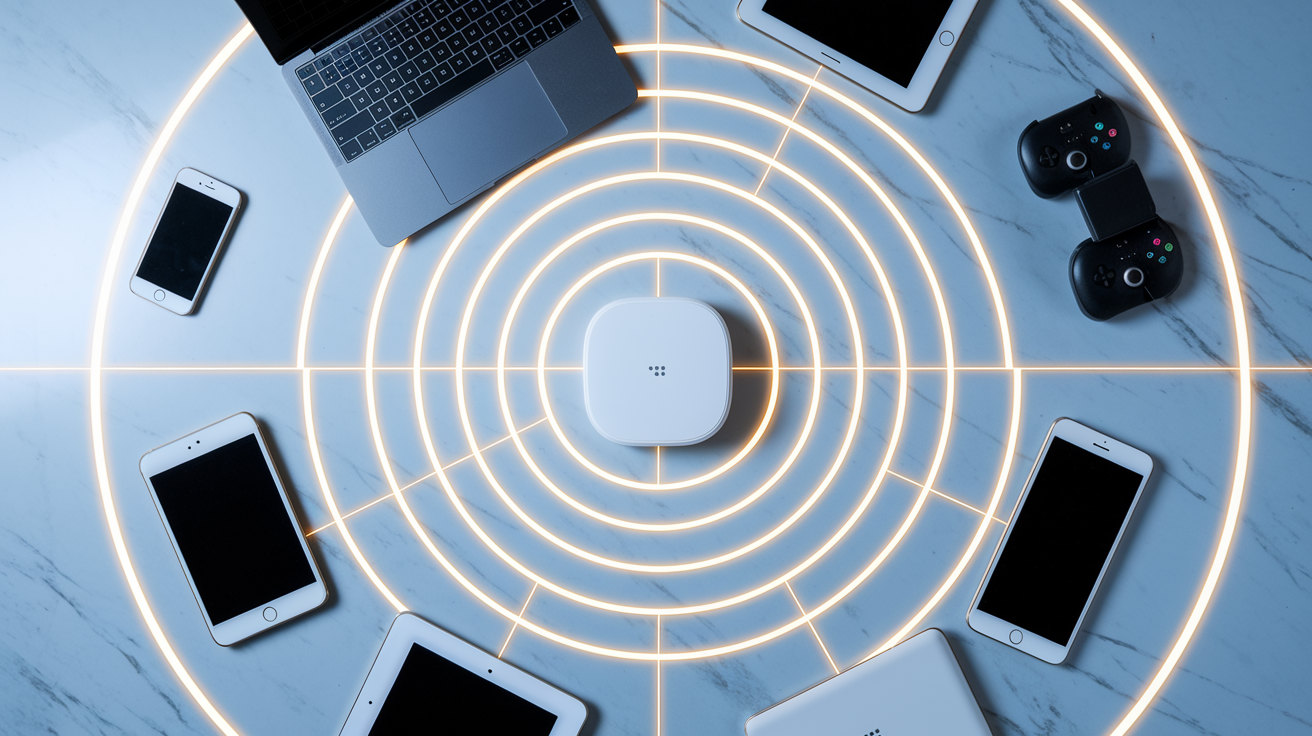
Both your router and your client devices need WiFi 6E hardware with 6 GHz radio support to access the new spectrum. A WiFi 6E router won’t give your older phone or laptop access to 6 GHz bands. Those legacy devices will connect to the 2.4 GHz or 5 GHz bands instead, just like they would with any other router. The good news is that WiFi 6E routers remain fully backward compatible with earlier WiFi standards, so everything you already own will still connect and work normally.
Legacy devices that can’t access the 6 GHz band won’t cause interference or congestion on that spectrum. This is one of the key advantages. Your old WiFi 5 laptop might slow down the 5 GHz band, but it can’t touch the 6 GHz channels. The new band stays clean for devices that support it.
Compatible device categories include smartphones like Samsung Galaxy S21 and later flagship models (2021 onward) with Qualcomm FastConnect chipsets, plus newer iPhones and Google Pixel devices. Laptops equipped with Intel WiFi 6E AX210 chipset or newer AMD and Qualcomm laptop WiFi modules. Select premium tablets from 2021 forward, including iPad Pro models with M2 chips. Gaming devices like PlayStation 5, Xbox Series X/S (via future updates), and newer gaming handhelds. Smart home hubs, though most smart home devices still use 2.4 GHz.
WiFi 6E routers can offload newer high-bandwidth devices to the 6 GHz band, which reduces congestion for legacy devices that remain on 2.4 GHz and 5 GHz. If your laptop and phone support 6 GHz, they’ll use that cleaner spectrum for 4K streaming and video calls, leaving the older bands less crowded for your smart TV, WiFi security cameras, and smart home gadgets that only support WiFi 5 or older standards. This traffic separation improves overall network performance even for devices that can’t directly access 6 GHz.
WiFi 6E Router Setup and Installation Process

Setting up a WiFi 6E router follows the same basic steps as any modern router, but there are specific considerations for getting the most out of the 6 GHz band.
First, verify your internet service provider modem is compatible and properly connected. Most cable, fiber, and DSL modems work with any router. Position the router centrally for optimal 6 GHz coverage, keeping in mind that same room performance is the realistic expectation for 6 GHz devices. Connect the router to your modem using an ethernet cable, then plug in the power adapter.
Access the router setup interface through the manufacturer’s mobile app or by typing the router’s IP address into a web browser (usually 192.168.1.1 or similar). Configure network names (SSIDs) for each band individually if you want to control which devices connect where, or use unified naming to let devices automatically choose the best band. Enable WPA3 security for the 6 GHz band. This is mandatory and should be enabled by default, but verify during setup. Update firmware to the latest version available for your router model to ensure you have the newest features and security patches.
Firmware updates will become increasingly important as the FCC’s Automated Frequency Coordination (AFC) system gets approved and implemented. AFC will allow routers to increase 6 GHz power levels and range through software updates rather than requiring new hardware. Check for firmware updates every few months, especially in the first year or two after purchasing a WiFi 6E router. WiFi 6E is currently available in the United States, Brazil, and Korea, with other countries moving more slowly to open the 6 GHz band for unlicensed use. If you’re outside these regions, verify that 6 GHz is legal and supported in your country before purchasing WiFi 6E equipment.
WiFi 6E Router Cost and Buying Recommendations

Excellent WiFi 6E routers now cost under $200, down significantly from the premium pricing when these models first launched. Early WiFi 6E routers carried price tags between $300 and $600, positioning them as high-end options for enthusiasts. As of 2025, prices have dropped enough that mid-tier WiFi 6E models cost about the same as premium WiFi 6 routers did a year or two earlier. WiFi 6E routers are widely available at major retailers including Best Buy, Walmart, and Home Depot, plus online through Amazon and direct from manufacturers.
Standard WiFi 6 equipment has become even more affordable, with solid options starting around $80 to $100 compared to the premium priced WiFi 6E hardware. For budget conscious buyers or those with mostly older devices, WiFi 6 still represents good value.
| Price Range | Features | Best For |
|---|---|---|
| Under $150 | Basic tri-band support, 4 to 5 ethernet ports, limited management features, lower device capacity | Small homes or apartments, users with only a few WiFi 6E devices, basic networking needs |
| $150 to $300 | Full tri-band with better 6 GHz performance, 5+ gigabit ethernet ports, app-based management, parental controls, guest networks, support for 30 to 50 devices | Medium to large homes, households with multiple WiFi 6E devices, users who need network management tools |
| $300+ | High performance tri-band with maximum 6 GHz speed, 2.5 Gbps or 10 Gbps ethernet ports, advanced QoS, VPN support, mesh capability, support for 50+ devices | Large homes or multi-floor buildings, power users with many devices, gaming and streaming enthusiasts, mesh network setups |
Routers should be updated every handful of years to keep up with security patches, new standards, and increasing device counts. This is especially true for homes with multiple people working from home, streaming 4K video, or gaming online simultaneously. If you’re already shopping for a new router because your current one is three to five years old, WiFi 6E makes sense as a forward looking choice. If you bought a WiFi 6 router recently and it’s working well, there’s no urgent reason to upgrade immediately given the current range limitations of 6 GHz and the fact that many devices still don’t support it. You’ll see the most benefit when you’re ready to replace your router anyway and you have (or plan to buy) devices with WiFi 6E support.
WiFi 6E Router Features: Mesh, Ports, and Management Tools
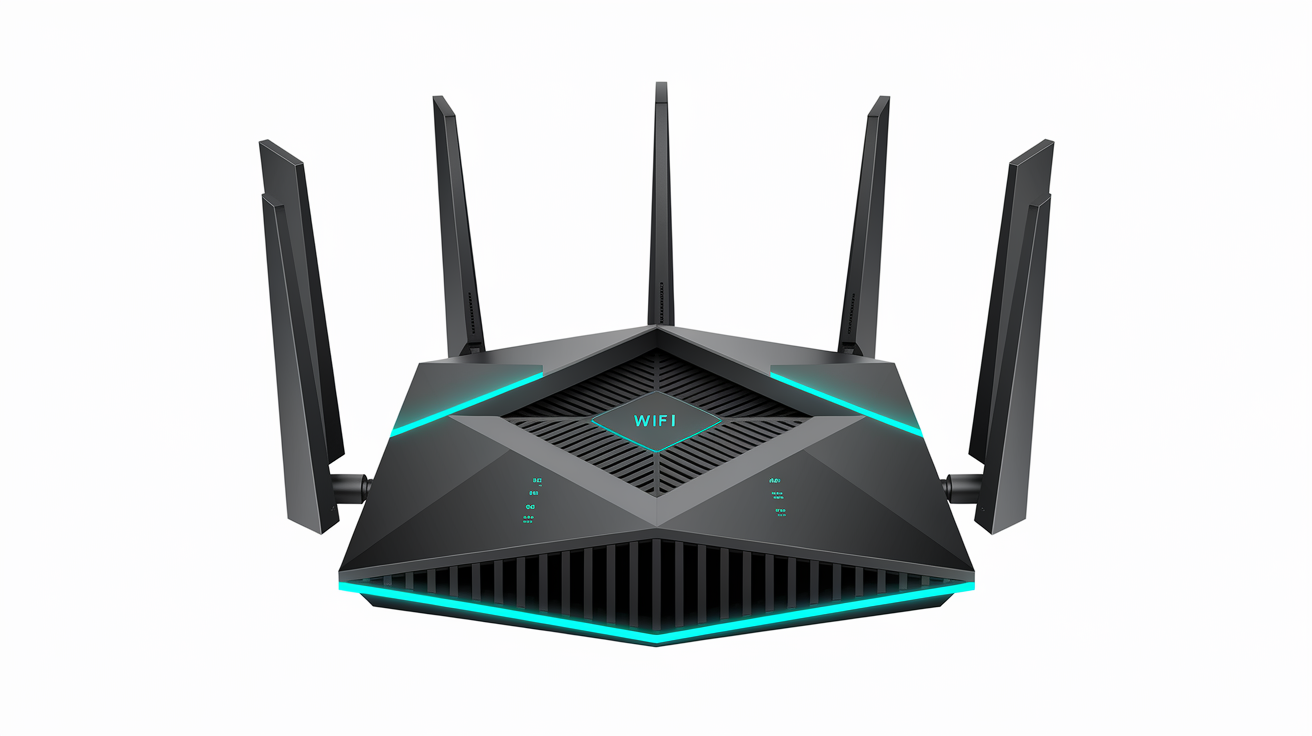
Beyond wireless performance, WiFi 6E routers include a range of practical features that vary by model and price point.
| Feature | Purpose | Typical Availability |
|---|---|---|
| Mesh support | Extends coverage through multiple access points that work as one network | Mid-range and premium models, or dedicated mesh systems |
| Ethernet ports | Wired connections for PCs, gaming consoles, smart TVs, and network storage | All models (4 to 8 ports typical, speeds from 1 Gbps to 10 Gbps) |
| USB connectivity | Network-attached storage or printer sharing across devices | Mid-range and premium models (USB 3.0 or 3.1) |
| Parental controls | Content filtering, time limits, and device access scheduling | Most models, either built-in or through subscription service |
| Guest network | Separate WiFi network for visitors without access to your main network | Nearly all WiFi 6E models |
| VPN support | Built-in VPN server or client for remote access and privacy | Premium models (server support more common than client support) |
Mesh networking becomes particularly important for WiFi 6E given the current 6 GHz range limitations. A single standalone WiFi 6E router will give you excellent performance in the same room but likely won’t push 6 GHz signals throughout a large home or across multiple floors. Multiple access points or a dedicated mesh system with two to three nodes placed strategically can extend 6 GHz coverage to more areas. Mesh systems automatically route devices to the nearest access point and hand off connections as you move around, which works better than extending range with WiFi extenders that cut bandwidth in half.
Other features add convenience and functionality beyond basic wireless coverage. The number and speed of ethernet ports matters if you have wired devices like desktop PCs, gaming consoles, or network-attached storage that need the fastest, most stable connections. Beamforming technology directs WiFi signals toward specific devices rather than broadcasting equally in all directions, improving signal strength and speed for connected devices. Target Wake Time (TWT) schedules wake intervals for IoT devices and battery powered gadgets, letting them sleep between check-ins to conserve power while maintaining network connections. App-based management tools let you monitor network activity, prioritize specific devices or applications (Quality of Service settings), run speed tests, and update firmware from your phone instead of logging into a web interface.
Final Words
A Wi-Fi 6E router adds the 6 GHz band to traditional 2.4 GHz and 5 GHz networks, giving you cleaner spectrum and faster speeds if your devices support it.
Right now, it makes the most sense when you’re buying a new router anyway, especially if you live somewhere crowded or need low-latency performance for gaming or video calls.
The 6 GHz range is still limited until the FCC’s AFC system rolls out, but prices have dropped to under $200 for solid options.
If your current setup works and your devices don’t support 6 GHz yet, there’s no rush.
FAQ
Q: What are the disadvantages of WiFi 6E?
A: WiFi 6E disadvantages include limited range due to shorter wavelengths that struggle with walls and floors, current FCC power restrictions that limit reliable connections to the same room, and the requirement that both router and devices support 6E to access the 6 GHz band.
Q: What is WiFi 6E and do I need it?
A: WiFi 6E is an extension of WiFi 6 that adds support for the 6 GHz wireless spectrum band, creating a tri-band router (2.4 GHz, 5 GHz, 6 GHz). You need it if you live in a high-density environment with network congestion or run latency-sensitive applications like VR gaming or 4K streaming.
Q: Is WiFi 6E worth the upgrade?
A: WiFi 6E is worth upgrading only when purchasing a new standalone router, not as an urgent replacement for existing WiFi 6. Current range limitations and the need for compatible devices limit immediate benefits, though excellent options now cost under $200.
Q: Can WiFi 6E go through walls?
A: WiFi 6E has weaker wall penetration than WiFi 6 or WiFi 5 because the 6 GHz band uses higher frequency signals that struggle with physical obstructions. Devices automatically fall back to 5 GHz or 2.4 GHz bands when the 6 GHz signal weakens.
Q: How much faster is WiFi 6E compared to WiFi 6?
A: WiFi 6E delivers approximately 1.8 Gbps throughput at 15 feet versus 1.1 Gbps for WiFi 6 under favorable conditions, representing 56% faster performance. The 6 GHz band effectively doubles available bandwidth while reducing congestion.
Q: Do all my devices need WiFi 6E to benefit from a WiFi 6E router?
A: Only devices with WiFi 6E hardware can access the 6 GHz band. However, a WiFi 6E router still benefits legacy devices by offloading newer devices to 6 GHz, which reduces congestion on the 2.4 GHz and 5 GHz bands they use.
Q: Is WPA3 encryption required for WiFi 6E?
A: WPA3 encryption is mandatory for all WiFi 6E connections on the 6 GHz band, providing stronger protection against brute-force attacks. This is different from WiFi 6 where WPA3 is optional on 2.4 GHz and 5 GHz bands.
Q: How many devices can connect to a WiFi 6E router?
A: WiFi 6E routers support multi-gigabit capacity with significantly more simultaneous connections than previous standards. OFDMA technology allows multiple devices to send data simultaneously on the same frequency bands without performance degradation.