
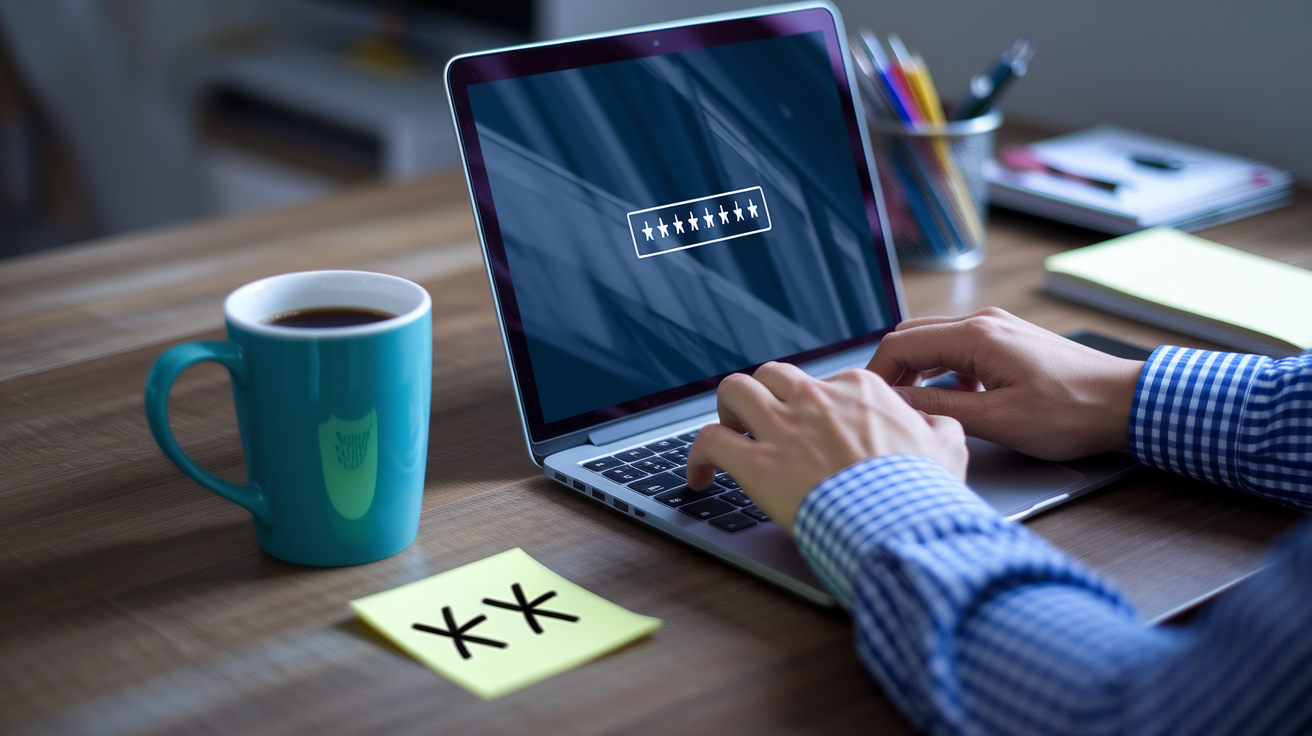

Most people think a strong password is just a jumbled mess you’ll never remember. But here’s what actually matters: length beats cleverness every time. A 16 character password with mixed letters, numbers, and symbols would take millions of years to crack. An 8 character one? Hours. You don’t need to become a cryptography expert. You need a system that creates real protection without turning password creation into a second job. This guide walks through five practical methods to generate passwords that keep accounts locked down, using tools and techniques that actually fit into how you manage logins right now.
Creating Strong Passwords: Core Methods and Requirements
A strong password needs three things working together to keep intruders out. First, it’s got to be long. 12 characters minimum, but 16 or more is way better. Second, you need complexity. Mix uppercase, lowercase, numbers, and special characters so there’s actual variation happening. Third, randomness. Don’t use real words, names, keyboard patterns like “qwerty,” dates, or anything someone could guess or automate through software. Here’s the thing: a 16 character password with mixed character types would take millions of years to crack using current brute force methods. An 8 character password? Hours. Maybe days. Some sites now let you use spaces in passwords, which boosts length and crack resistance while keeping things readable.
Strong password examples like M0l#eb9Qv?, P8tty0G#5dn, and 9Sp!dErscalKetobogGaN work because they stack defensive techniques. M0l#eb9Qv? uses character substitution (0 instead of O), mixes case, and spreads symbols throughout instead of dumping them at the end. P8tty0G#5dn transforms “patio garden” through deliberate misspelling (P8tty not Patio), number substitution (8 for A, 0 for O, 5 for S), and symbol insertion. The example 9Sp!dErscalKetobogGaN combines parts of unrelated longer words (spider, escalate, toboggan) with numbers and symbols woven between them, plus random capitalization. Character substitution adds complexity without going completely random, making passwords slightly more memorable while massively increasing the time and computational power needed to crack them. Common substitutions include 5 for S, 3 for E, 0 for O, @ for A, 1 for I, and $ for S. Attackers know about predictable substitutions from leaked password databases, but they still add calculation time and dramatically expand the variations software must test.
Five practical methods to generate strong passwords right now:
- Use a password manager’s built in generator to create completely random 16+ character passwords with maximum entropy and zero human bias
- Apply the character substitution method by taking a phrase like “blue mountain” and transforming it to Blu3M0unt@1n with numbers, symbols, and mixed case
- Create a passphrase from unrelated words like “7Tr@inW!ndowF0restCl0ck” combining random nouns with character substitutions throughout
- Use sentence initials with complexity by taking “My daughter was born in Seattle on March 15th” and converting to Mdwb!S0M15# (initials plus symbols and numbers)
- Combine deliberate misspellings with symbols by taking “keyboard coffee” and creating K3yb0rd$C0ff33! with intentional character swaps
Password generators automatically create random, high entropy passwords meeting all security requirements without the pattern making that naturally happens when humans create passwords. These tools eliminate unconscious bias toward memorable words, repeated characters, or predictable substitutions.
| Letter | Number Substitute | Symbol Substitute | Example |
|---|---|---|---|
| A | 4 | @ | P@ssword or P4ssword |
| E | 3 | € | S3cret or S€cret |
| I | 1 | ! | L1near or L!near |
| O | 0 | * | L0gin or L*gin |
| S | 5 | $ | Ba5ic or Ba$ic |
| T | 7 | + | 7ime or +ime |
| G | 9 | & | 9arden or &arden |
| B | 8 | ß | 8ottom or ßottom |
Passphrases: Creating Memorable Yet Secure Passwords

Passphrases focus on length over character complexity, making them easier to remember while maintaining security through sheer size. A passphrase combines multiple words into a single long string that reaches 20, 30, or even 40 characters. That length compensates for using more recognizable word parts compared to completely random strings.
The basic passphrase method starts with 3 to 4 completely unrelated longer words that have no logical connection. Instead of “correct horse battery staple” which uses simple words and hyphens, you’d create something like “WindowCarpetOceanLizard” and then add complexity. From there, substitute characters to create “W!nd0wC@rp3tOc3@nL1z@rd” which transforms recognizable words into a complex 25 character password. You can push this further by combining word fragments. “9Sp!dErscalKetobogGaN” pulls pieces from spider, escalate, ketoboggan and scrambles them with numbers (9), symbols (!), and random capitalization. The key is selecting words that have no relationship to each other, to your life, or to the account you’re securing.
Character substitution techniques within passphrases include using 3 for E throughout, 0 for O consistently, and capitalizing unusual letters in the middle of words rather than just the first letter. You might create “eLepHan7$meLon&umbReLLa” where capitals appear unpredictably and numbers replace certain letters. Deliberate misspellings like “CoffEE” becoming “K0ff33” or “umbrella” becoming “umbr3L@” increase complexity while maintaining memorability through phonetic similarity. The critical warning here? Never use famous quotes from movies like “may the force be with you,” song lyrics like “we are the champions,” common sayings like “early bird gets the worm,” or anything searchable online. Attackers maintain databases of billions of common phrases, quotes, and cultural references.
Use personal phrases that are meaningful only to you and meaningless to everyone else. A phrase you say to yourself like “Time to check the garden before sunset” could become “T2cTg@rd3nB4$un5et!” which contains context that matters to you but means nothing in broader culture or databases.
Password Security Risks and Common Mistakes

Brute force attacks work by using automated software that tries billions of password combinations per second until finding the correct one. These programs start with the most common passwords (password, 123456, qwerty) and work through variations, dictionary words, keyboard patterns, and eventually random combinations. An 8 character password using only lowercase letters has about 209 billion possible combinations. Sounds like a lot until you realize modern cracking software running on graphics cards can test millions or billions of attempts per second. A simple 8 character password might fall in hours. A 12 character password with mixed character types has over 95 trillion combinations. A 16 character password with full complexity has enough combinations to require millions of years to exhaust even with advanced hardware. This is why length matters more than any other single factor in password security.
Credential stuffing exploits password reuse by taking usernames and passwords stolen from data breaches and automatically testing them across thousands of other websites. When Adobe suffered a breach exposing 153 million accounts, attackers immediately tested those email and password combinations against banking sites, shopping platforms, email providers, and social networks. This is why 44% of users recycling passwords across personal and business accounts creates such catastrophic risk. If your reused password appears in a single breach, attackers gain access to every account where you used that same credential. These stolen credential databases are sold on the dark web and combined into massive compilations containing billions of leaked username password pairs. Attackers use these collections to predict patterns in how people create passwords, which is why even variations like “JohnDoe2023” and “JohnDoe2024” provide minimal protection once the pattern’s identified.
Behavioral mistakes and social engineering risks undermine even technically strong passwords when handling practices are weak. No legitimate service, bank, government agency, or company will ever request your password through email, text message, phone call, or any other channel. These are always phishing attempts or scams. Password sharing creates accountability gaps where compromised accounts can’t be traced to a specific person, and it expands the circle of people who could accidentally or intentionally misuse access. Written passwords discovered on sticky notes, in desk drawers, or in unsecured digital documents represent immediate compromise if physical or digital access to those locations is gained. Leaving computers unlocked or unattended even for minutes in shared spaces allows access to stored passwords, active sessions, and saved credentials.
| Password Type | Example | Time to Crack |
|---|---|---|
| 6 lowercase letters | simple | Instantly to minutes |
| 8 mixed characters | Pa55word | Hours to days |
| 12 mixed characters | P@s5w0rd2024 | Months to years |
| 16 mixed characters | M9#xK2$vL0@pQ7&n | Centuries to millions of years |
| 20+ character passphrase | C0rr3ct!H0rs3&B@tt3ry | Billions of years |
Ten common password mistakes that create security vulnerabilities:
- Using sequential patterns like 1234, qwerty, jklm, or 6789 which are among the first attempts by brute force software
- Reusing the same password across multiple accounts, creating a chain reaction where one breach compromises everything
- Storing passwords in browser autofill which allows anyone with physical device access to view and use saved credentials
- Writing passwords on sticky notes or leaving them in unsecured documents where they can be photographed or discovered
- Using default or simple PINs like 0000 or 1234 on devices, accounts, or security systems
- Sharing passwords via email or text which creates permanent records of credentials that can be forwarded or intercepted
- Allowing password managers in browsers rather than dedicated encrypted password vault applications
- Never changing compromised passwords after data breach notifications or suspicious account activity
- Using slight variations like “Password1” and “Password2” which fail once the pattern’s identified
- Leaving computers unlocked in shared spaces, allowing unauthorized access to active sessions and stored passwords
Password Best Practices: What Never to Include

Personal information in passwords is dangerous because cybercriminals can find this information through social media accounts, public records, data broker sites, and basic online searches. Your birthday, pet’s name, hometown, and family members’ names are often publicly visible on Facebook, Instagram, or LinkedIn profiles. Attackers build detailed profiles of targets by aggregating information from multiple sources before attempting password guesses. A password like “Fluffy2015” becomes trivially easy to crack when your Instagram shows your cat Fluffy and your Facebook lists your graduation year as 2015.
Keyboard patterns are among the first attempts in automated attacks because they’re extremely common and fast to test. Patterns like “qwerty” (straight line on keyboard), “1qaz2wsx” (vertical columns), “zxcvbnm” (bottom row), or “qazwsxedc” (left side diagonal) appear in nearly every common password list. Password cracking software tests all keyboard patterns within the first few thousand attempts.
Twelve types of information to never use in passwords:
- Pet names like Fluffy, Max, or Bella that appear in social media photos or casual conversation
- Birth dates including your own birthday, your children’s birthdays, or anniversaries in formats like 1985, 081585, or 08/15/85
- Family member names including parents, siblings, children, or spouse names that are publicly associated with you
- Hometown or current city like Seattle, Denver, or Portland that appear in social profiles or public records
- Street addresses including house numbers like 1423, street names like Maple, or apartment numbers like 203
- Hobby related words like “golfer,” “painter,” or “runner” that define your interests and appear in profiles
- Job titles or company names like “manager,” “teacher,” or your employer’s name that connect to your professional identity
- School names or mascots like “Huskies,” “Eagles,” or university abbreviations that appear in alumni networks
- Famous phrases or quotes from movies, books, or speeches that exist in cracking dictionaries like “maytheforce” or “tobeornottobe”
- Song lyrics or titles from popular music that appear in leaked password databases millions of times
- Simple dictionary words like “password,” “welcome,” “admin,” or “letmein” that are tested within the first hundred attempts
- ID numbers or usernames like employee IDs, student numbers, or account usernames that are already known to systems
Password Managers: Essential Tools for Managing Unique Passwords

Managing 100+ unique strong passwords manually is impossible for practical purposes.
Password managers work by storing all your passwords in an encrypted vault that requires only one master password to access. This vault uses zero knowledge encryption architecture, which means the password manager company itself can’t see, access, or recover your stored passwords even if they wanted to. The encryption happens on your device before any data reaches their servers. When you need to log in somewhere, the password manager autofills your credentials after you unlock the vault with your master password. This autofill functionality works across all your devices (computers, phones, tablets) because the encrypted vault synchronizes through secure cloud storage, meaning your passwords are available everywhere you need them.
Password managers include built in password generators that create true randomness and eliminate human bias and pattern making that naturally occurs when people create passwords themselves. When you register for a new account or need to change an existing password, the generator offers a completely random string like “X7#mK2@vQ9!pL5&n” that meets or exceeds any security requirement. These generators let you customize the length (typically from 12 to 64 characters), specify which character types to include (uppercase, lowercase, numbers, symbols), and sometimes exclude confusing characters like 0/O or 1/l/I. The critical advantage is that generated passwords have maximum entropy with no predictable patterns, repeated characters, or dictionary word fragments that reduce security. Most reputable password manager integrated generators don’t store or transmit the passwords they create, they simply display the random result for you to use.
Choosing a password manager starts with picking a reputable option that uses strong encryption and has been security audited by independent researchers. The most critical decision is your master password, which must be extremely strong because it protects everything else. Your master password should be 20+ characters, use a passphrase method, and never be reused anywhere else or written down except in one secure physical location like a safe. Modern password managers alert you to weak passwords in your vault, identify reused credentials across different accounts, notify you when passwords appear in known data breaches, and help you systematically reset compromised passwords. The browser based option of allowing Chrome, Safari, or Edge to remember passwords isn’t a true password manager because it lacks proper encryption, doesn’t require a strong master password, and exposes all credentials if someone gains device access.
Six trusted password manager and generator tools with integrated features:
- BitWarden offers open source code for independent security verification, built in password generation, secure password sharing, and free tier for individual use
- 1Password provides advanced security features including travel mode, watchtower breach monitoring, integrated password generator, and family sharing vaults
- Dashlane includes automatic password changer for supported sites, VPN service, dark web monitoring, and password strength analyzer
- KeePass uses local only storage (no cloud sync) for maximum security, completely free open source model, and customizable password generation
- LastPass offers password generation with custom rules, security dashboard showing weak passwords, autofill across browsers and apps, and emergency access features
- NordPass provides zero knowledge architecture, data breach scanner, password health checker, and secure password sharing with expiration options
Securing Multiple Accounts: Unique Passwords for Every Service
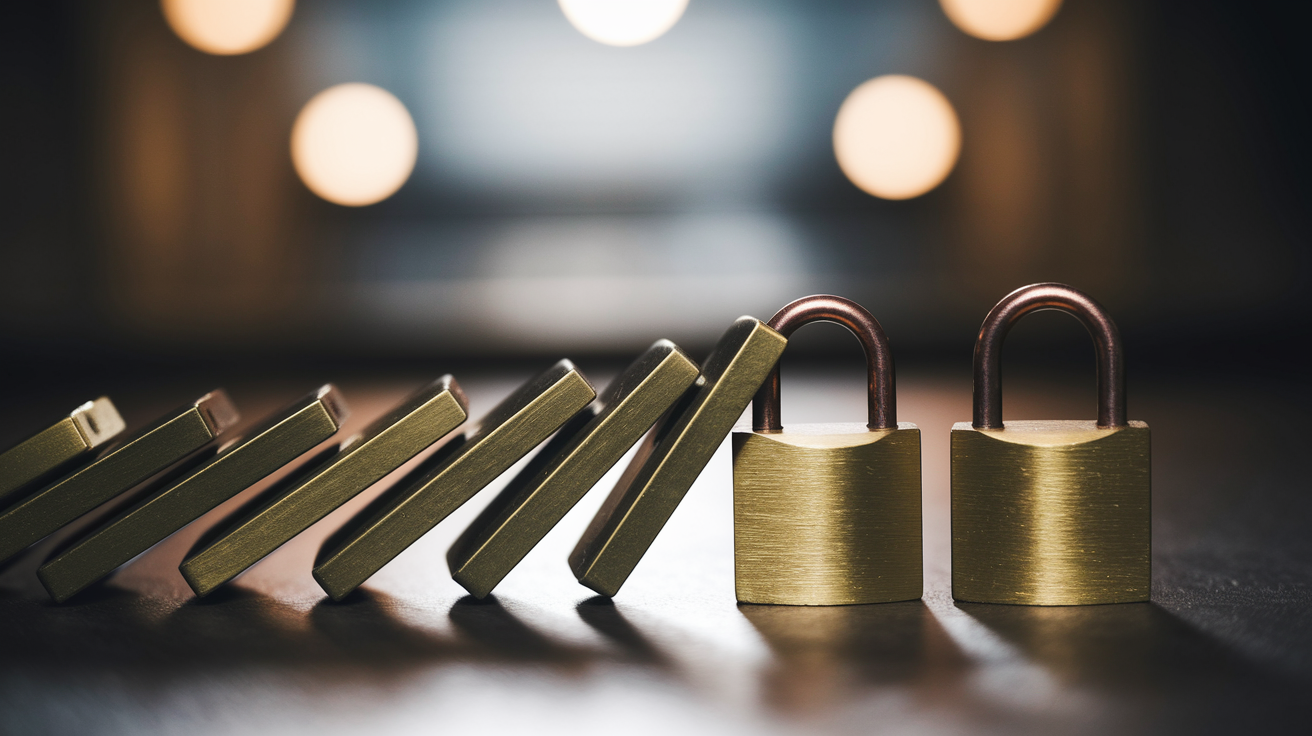
The chain reaction effect when passwords are reused means one successful breach gives attackers access to every account using that same credential. Your email password appearing in a forum database leak immediately compromises your banking, social media, shopping, and work accounts if you reused that password. Attackers don’t need to hack each service individually when they already have your credentials from a previous breach. This cascade happens automatically through credential stuffing tools that test stolen passwords across thousands of platforms within hours of a data breach. Every device, application, website, and software requires a unique and strong password or PIN to prevent this chain reaction compromise.
Minor variations like adding a number or changing one character provide almost no additional security once the base password pattern’s discovered. If “JohnDoe2023!” is compromised, attackers will immediately test “JohnDoe2024!”, “JohnDoe2022!”, “JohnDoe2025!”, and dozens of similar variations before moving to other accounts.
Email account security is the master key to your digital life because email controls password reset functions for nearly every other service. Someone with access to your email can reset passwords for banking, social media, shopping, and work accounts by requesting password reset links. This makes your email password the single most critical credential to protect with maximum length, complexity, uniqueness, and two factor authentication. Your prioritization hierarchy should be email accounts first (Gmail, Outlook, etc.) because they unlock everything else, followed by financial accounts (banks, credit cards, investment platforms) where money’s directly at risk, then work related services (company email, cloud storage, project management tools) that could compromise employment or business data, followed by social media accounts (Facebook, Instagram, Twitter) that could be used for impersonation or social engineering attacks, and finally shopping and entertainment services (Amazon, Netflix, gaming) where the damage is more contained but still serious.
Two-Factor Authentication: Adding Extra Password Protection

Two factor authentication requires something you know (your password) plus something you have (your phone or security key) or something you are (your fingerprint or face scan) to complete login. This means a stolen password becomes useless without also having physical access to your second authentication factor. Even if attackers obtain your password through a data breach, phishing attempt, or brute force attack, they still can’t access your account without intercepting or bypassing the second factor. This transforms password security from a single point of failure into a layered defense system.
Authentication methods vary significantly in security level, with authenticator apps like Google Authenticator, Authy, or Microsoft Authenticator being the most secure option because they generate time based one time codes that change every 30 seconds and work even without cellular or internet connection. SMS text message codes are more convenient but less secure because they can be intercepted through SIM swapping attacks where criminals convince phone carriers to transfer your number to a different device. Email verification codes are the weakest option because compromised email accounts defeat the entire purpose of the second factor. Biometric authentication using fingerprints or facial recognition provides excellent security and convenience when combined with device level security, but backup codes become critical if your biometric device is lost, stolen, or malfunctions.
Five steps to enable two factor authentication on your accounts:
- Access your account security settings, usually found under “Security,” “Account Settings,” or “Privacy and Security” sections
- Look for options labeled “Two Factor Authentication,” “Two Step Verification,” or “Multi Factor Authentication” and select “Enable” or “Turn On”
- Choose your preferred authentication method from the available options (authenticator app is recommended over SMS when available)
- Scan the QR code with your authenticator app or enter the provided setup key to link the account to your authentication tool
- Save the backup recovery codes provided during setup in your password manager or secure physical location, because these are your emergency access method if you lose your authentication device
Password Maintenance: When and How to Update Passwords

Frequent password changes are no longer recommended by current security guidance.
NIST (National Institute of Standards and Technology) reversed the mandatory rotation policy after research showed forced regular password changes lead to predictable patterns and weaker password habits. When people must change passwords every 60 or 90 days, they typically make minimal modifications like incrementing a number (Password1 becomes Password2 becomes Password3) or adding the current month (Password Jan, Password Feb). These predictable variations provide almost no security benefit because attackers test common incremental patterns immediately after discovering one password in the sequence. The old policy also encouraged people to write passwords down or choose simpler passwords they could remember through frequent changes, both of which decreased overall security.
Passwords require changing in specific scenarios. When you receive notification that a service you use suffered a data breach and your credentials may have been exposed, when you notice suspicious account activity like unrecognized login locations or devices, after you’ve shared a password with someone and that sharing relationship ends, following the use of a public computer where you logged in to an account, or when a trusted device or security key is lost or stolen.
Dark web monitoring services and password manager breach notification features automatically alert you when your email address or passwords appear in leaked databases sold or shared online. Many password managers now include this feature built in, scanning databases of billions of compromised credentials and notifying you within hours when your information appears in a new breach. Strong unique passwords don’t degrade or weaken over time on their own, they only become compromised through external events like data breaches, malware, or observational theft. A 20 character random password created five years ago is just as strong today as when you generated it, assuming it hasn’t appeared in any breaches and hasn’t been shared.
Testing Password Strength: Verification Tools and Methods

Password strength checkers analyze length, character variety, and pattern detection to verify password quality before you commit to using it. These tools test your password against known vulnerabilities and provide feedback on weaknesses.
Password entropy measures unpredictability in bits of randomness, with each additional bit doubling the number of possible combinations an attacker must test. A password with 40 bits of entropy has 1 trillion possible combinations. A password with 80 bits of entropy has 1,208,925,819,614,629,174,706,176 combinations. Most security experts recommend passwords with at least 60 to 80 bits of entropy for critical accounts. Entropy comes from both length and the size of the character set used. Adding uppercase letters to lowercase letters increases the character set from 26 to 52 possibilities per position. Adding numbers increases it to 62. Adding symbols pushes it to 95 or more possibilities per character position. A 16 character password using all character types has more entropy than a 20 character password using only lowercase letters, but a 20 character password using all character types has dramatically more entropy than either.
Strength checkers identify dictionary words even with basic substitutions, recognize keyboard patterns like “qwerty” or “asdfgh,” detect repeated characters like “aaa” or “111,” flag common password fragments from leaked databases, and estimate the time required to crack the password using current technology. Most checkers show results as “weak,” “medium,” “strong,” or similar ratings, often with colored bars indicating relative security. The critical safety note? Never enter your actual passwords into unknown online password checker websites because you have no way to verify they aren’t logging submitted passwords. Instead, create a similar test version with the same structure but different specific characters. If your real password is “M9#xK2$vL0@pQ7&n” test it as “M9#xK2$vL0@pQ7&m” with one character changed. Reputable password managers include built in strength checkers that analyze passwords without transmitting them because the analysis happens locally on your device.
Final Words
Strong passwords combine three non-negotiable elements: length (at least 12-16 characters), complexity (mixed uppercase, lowercase, numbers, and symbols), and randomness (no patterns or personal information).
Learning how to generate strong passwords means understanding character substitution, passphrases, and password generators, then protecting those passwords with unique credentials for every account and two-factor authentication as backup.
A password manager handles the impossible task of remembering 100+ unique strong passwords, while 2FA stops attackers even if they steal one.
You don’t need to become a cybersecurity expert. You just need to create strong passwords once, store them safely, and let the tools do the rest.
FAQ
What is the 3 word password rule?
The 3 word password rule creates passphrases by combining three or four unrelated longer words with character substitutions and capitalization. This method balances memorability with security by using length rather than pure randomness. For example, “9Sp!dErscalKetobogGaN” combines unrelated words with numbers and unusual capitalization to create a strong, memorable password.
What is the 8 4 rule for creating strong passwords?
The 8 4 rule for creating strong passwords requires a minimum of 8 characters combining four character types: uppercase letters, lowercase letters, numbers, and special symbols. For optimal security, passwords should actually be 12-16 characters long using all four character types in random, unpredictable combinations that avoid dictionary words, names, or keyboard patterns.
What is the most effective way to create a strong password?
The most effective way to create a strong password is using a password manager with a built-in generator that creates 16+ character random combinations of uppercase letters, lowercase letters, numbers, and symbols. This method eliminates human pattern-making bias and creates high-entropy passwords that resist brute force attacks. Alternatively, combine 3-4 unrelated words with character substitutions like replacing “e” with “3” or “o” with “0.”
What are 5 strong passwords?
Strong password examples include M0l#eb9Qv? (random character mix), P8tty0G#5dn (substituted phrase “patio garden”), 9Sp!dErscalKetobogGaN (combined unrelated words), G#rd9n2024!Tr@v3l (substituted words with year), and Qu!ck$Br0wn7F0x#Jumps (modified familiar phrase). Each uses 12+ characters, mixes all four character types (uppercase, lowercase, numbers, symbols), and avoids predictable patterns or dictionary words.
How long does it take to crack a password?
A 16-character password with mixed character types takes millions of years to crack using brute force attacks, while shorter 8-character passwords can be cracked in hours or days. Password cracking time depends on length and complexity—each additional character exponentially increases cracking difficulty. Simple passwords like “password123” or keyboard patterns like “qwerty” are cracked almost instantly by modern software.
Why should I never reuse passwords?
You should never reuse passwords because when one account is breached, attackers can access all accounts using that password in credential stuffing attacks. Currently, 44% of users recycle passwords across personal and business accounts, making stolen credential databases valuable on the dark web. A single compromised password creates a chain reaction, potentially exposing email, banking, and work accounts simultaneously.
Do I really need a password manager?
You really need a password manager because the average person has over 100 online accounts requiring unique strong passwords, which is impossible to remember manually. Password managers store passwords in encrypted vaults requiring only one master password, automatically generate random passwords, and autofill credentials across devices. They use zero-knowledge encryption where even the provider cannot access your stored passwords.
How often should I change my passwords?
You should change passwords only when unauthorized access is suspected or when notified of a data breach affecting your account. Regular scheduled password changes are no longer recommended by NIST security guidelines because forced changes lead to weaker password habits like incremental modifications. Strong unique passwords don’t degrade over time and don’t need changing unless compromised.
What is two-factor authentication and do I need it?
Two-factor authentication (2FA) is a second login step requiring something you have (phone code) or are (fingerprint) in addition to your password. You need 2FA because it makes stolen passwords useless without the second factor, providing critical protection even when passwords are compromised. Authenticator app codes are more secure than SMS text messages for the second verification step.
What personal information should never be in passwords?
Personal information that should never be in passwords includes birth dates, pet names, family member names, addresses, phone numbers, job titles, hobby words, and birth years or months. Cybercriminals easily find this information through social media accounts and public records. Additionally, avoid keyboard patterns like “qwerty,” sequential numbers like “1234,” famous quotes, song lyrics, and dictionary words.
Can I write my passwords down?
You can write passwords down only if stored in a physically secure location like a locked safe or filing cabinet, never on sticky notes or unsecured documents. However, using a password manager is far more secure and practical than written passwords. Never store passwords in computer documents, emails, or anywhere they could be photographed, copied, or accessed if your device is compromised.
What makes a passphrase different from a password?
A passphrase is different from a password because it uses length through combined words rather than pure character complexity to achieve security. Passphrases combine 3-4 unrelated longer words with character substitutions and unusual capitalization, creating memorable passwords like “9Sp!dErscalKetobogGaN” instead of random strings. They work because length compensates for reduced randomness, but should avoid famous quotes or common phrases.