


Your router just died, and you’re about to find out warranties protect way less than you think. Most people assume their warranty covers anything that goes wrong in the first year or two. It doesn’t. Warranties protect against factory defects, not the dozen other ways routers actually fail in real homes. This guide breaks down exactly what’s covered (manufacturing flaws, dead ports, defective power adapters), what’s excluded (drops, power surges, overheating from bad placement), and how to actually file a claim that doesn’t get denied.
What’s Covered Under Router Warranty

A router warranty is basically the manufacturer saying “we’ll fix or replace this if our factory messed something up” during a set timeframe. Usually you won’t pay anything if there’s actually a defect.
| Covered Issue | Description | Typical Resolution |
|---|---|---|
| Factory defects | Faulty circuit boards or component assembly mistakes | Free repair or replacement |
| Hardware failure | Component malfunction from manufacturing flaws | Replacement of defective parts |
| Port malfunction | Non-functioning ethernet or USB ports | Unit replacement or repair |
| LED indicator failure | Display issues with status lights | Repair or full replacement |
| Power adapter defects | Electrical faults in included power supply | Adapter replacement |
| Overheating from design flaws | Thermal issues caused by inadequate ventilation design | Product replacement |
Manufacturing defects are what warranties really exist for. These are problems that existed before you even opened the box. We’re talking faulty circuit boards causing spotty connections, ethernet ports that won’t recognize cables when you plug them in, LED lights showing the wrong status, or routers that shut down because the cooling design just doesn’t work. The manufacturer built it wrong, so they’re responsible for making it right.
Hardware failures covered under warranty include components that stop working because of manufacturing issues, not because you dropped the thing or spilled coffee on it. Power adapters get protection too when they can’t deliver steady voltage or just die from internal electrical problems. Your router’s wireless signal suddenly disappears? Internal antenna connections fail? Buttons stop responding because of defective parts? Those typically qualify for warranty service.
When something breaks during the coverage window, you’ll usually get a repair, a replacement (sometimes refurbished, sometimes new), or occasionally your money back depending on what they have available and the specific terms. Here’s something worth checking: power adapters sometimes have shorter warranty periods than the router itself. Your router might be covered for two years while the adapter only gets one year. Always verify that everything in the box has the same protection.
Typical Warranty Period Duration for Routers

Most routers come with a standard one year limited warranty that covers manufacturing defects and workmanship issues from your purchase date. This applies whether you bought a budget model or something mid-range. One year gives you enough time to catch problems that show up during normal use, though it won’t necessarily cover issues that develop after heavy long term operation.
Premium brands often bump this up to two or three years, especially on pricier mesh systems and gaming routers.
Some companies advertise “lifetime” warranties, but don’t get too excited. These usually have serious limitations. They might only cover certain parts, require you to be the original owner, or define “lifetime” as “how long we think this product should last” rather than your actual lifetime. The coverage officially starts on your purchase date shown on the receipt, not when the router was manufactured. This matters because a router could sit in a warehouse for months and still get the full warranty once you buy it. Also, those extras in the box (power adapter, ethernet cables, mounting hardware) might have different coverage than the router. Sometimes they only get 90 days even when the router has a full year.
Common Router Warranty Exclusions

Router warranties don’t cover everything. There are specific situations and damage types that fall outside what they’ll fix for free.
You won’t get coverage for drops, impacts, or falls that physically damage the device. Water damage from spills that get inside the casing isn’t covered. Power surges from lightning strikes or major voltage spikes go beyond what they’ll handle. Physical damage from mishandling (cracked cases, broken antennas, crushed ports) is on you. Normal wear over time, like faded labels or minor cosmetic issues, doesn’t qualify. If you open the case yourself or try unauthorized repairs, you’ve voided the warranty. Installation mistakes and configuration errors that cause problems aren’t their responsibility. And if you use a home router in a commercial setting, that often voids coverage too.
Misuse is a big category that kills warranties. This includes exposing the router to extreme temperatures, dusty or super humid environments, or using power supplies that don’t match manufacturer specs. Poor installation counts against you too. Mount your router somewhere with bad ventilation so it overheats? That’s not covered, even though overheating from design flaws would be. Using an indoor router outside, or running it in coastal areas where salt air causes corrosion, also voids protection.
The router should handle normal voltage fluctuations, but extreme electrical events typically aren’t covered. Firmware problems you caused, like interrupting an update or installing third party firmware, void the warranty even if the router stops working afterward. Connection issues from configuration mistakes (wrong network settings, incompatible device setups) aren’t manufacturing defects. The router might work fine if you set it up correctly, so these are user problems, not product defects.
Router Warranty Claim Process Step-by-Step

Following the manufacturer’s claim process correctly helps you get faster approval and cuts down on delays getting your router fixed or replaced.
Start by contacting customer support through their official website, phone number, or email from your router documentation. You’ll need to provide the serial number (check the sticker on the router’s bottom) and your purchase date for validation. Describe what’s wrong in detail and list what you’ve already tried, like reboots, factory resets, or firmware updates. Submit proof of purchase showing the date, seller info, and that you actually bought this model. Get an RMA number if they require one before accepting returns. Package everything securely following their shipping instructions, ideally in the original box with padding. Then wait for them to inspect it and approve your claim, which usually takes one to three weeks after they receive it.
After you submit and ship, they’ll inspect the router to verify the failure is actually covered and wasn’t caused by something excluded. How long this takes depends on shipping time, how backed up they are, and whether the tech spots the defect immediately or needs more testing. Common denial reasons? Physical damage, water exposure indicators, signs you opened it yourself (broken warranty seals), or determining the issue is from wrong settings rather than bad hardware. Most manufacturers let you appeal if you get denied, where you can provide more documentation supporting your case.
Shipping costs vary a lot between manufacturers and can be a hidden expense. Some provide prepaid labels covering both directions. Others only cover return shipping after you pay to send them the broken unit. A few have authorized service centers in major cities where you can drop off the router instead of mailing it, saving time and money. Check your warranty terms for who pays shipping before assuming they’ll cover it.
From claim to getting your repaired or replacement router back typically takes two to four weeks, though some offer faster processing for extra money. Some companies provide online tracking so you can check status updates. Others make you call for updates. Be aware that service fees or deductibles sometimes apply even for valid claims, especially with extended plans, though standard manufacturer warranties typically don’t charge beyond potential shipping.
Manufacturer Warranty vs Extended Protection Plans
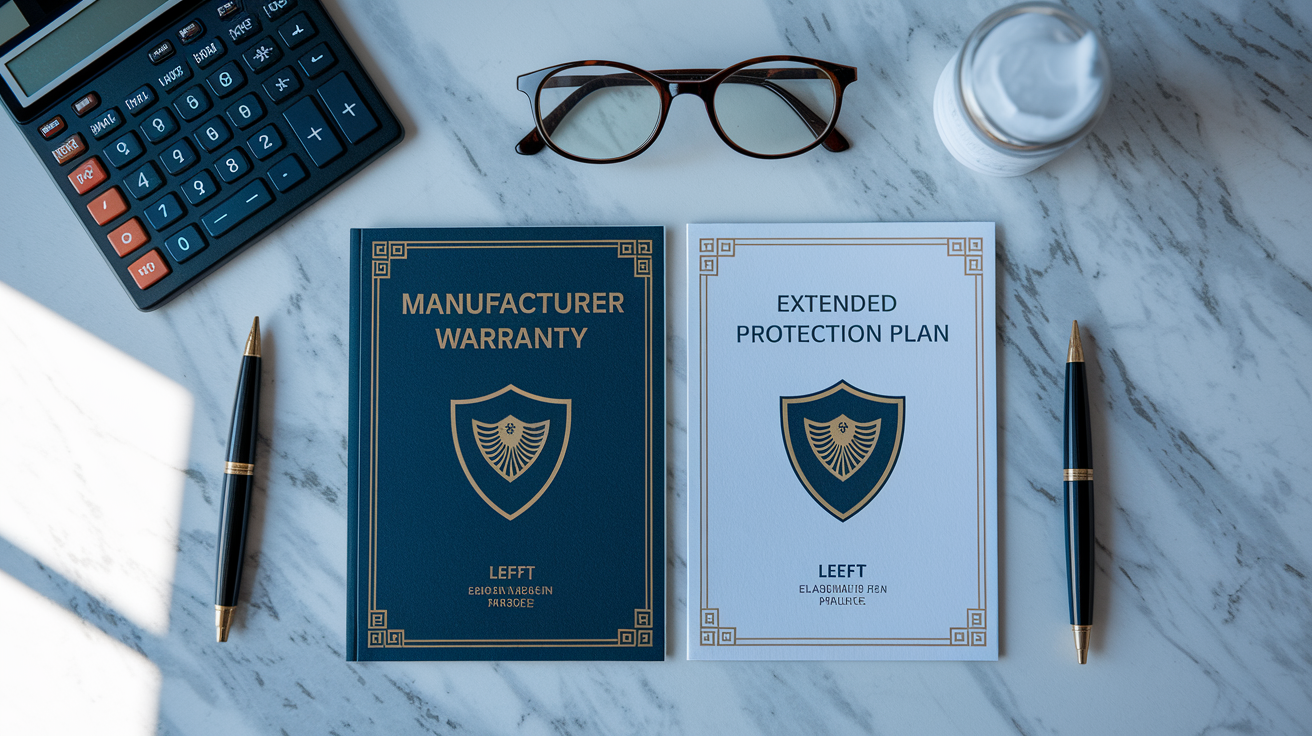
The manufacturer’s limited warranty covers defects in materials and workmanship during a set period, usually one to three years depending on the model and brand. This baseline protection addresses manufacturing flaws and hardware failures under normal use, offering free repair or replacement when valid defects show up. It automatically applies when you buy a new router and starts on your purchase date. No extra payment needed.
Extended warranties become available through retailers (Best Buy, Amazon), directly from manufacturers as add on plans, or through credit cards that provide extended protection as a benefit.
These extended plans differ from standard coverage by potentially including accidental damage protection for drops, spills, and impacts that normally void warranties. They also extend protection beyond the manufacturer’s term, sometimes adding one to three extra years. Some offer advance replacement, shipping a new router immediately when your claim gets approved instead of making you wait for inspection and repair. That minimizes downtime but costs more than basic extended plans.
Whether it’s worth it depends on your router’s price and your comfort with risk. Extended warranties typically run 15 to 25 percent of the purchase price and make more sense for expensive mesh systems or high end gaming routers than budget models you could easily replace. The peace of mind factor matters if you rely heavily on connectivity for work or can’t handle sudden replacement costs, even if statistically the extended plan costs more than just replacing it yourself if something breaks. Before buying any extended plan, carefully review the fine print for exclusions, claim processes, and whether it actually adds value beyond your manufacturer warranty and any credit card protections you already have.
Brand-Specific Router Warranty Differences

Warranty terms change quite a bit between manufacturers. Coverage length, claim procedures, and available support all vary based on the brand. Major companies structure their protection differently depending on product tier, who they’re selling to, and where you are. These differences can seriously affect the value and convenience of your coverage. Understanding brand specific terms helps you factor warranty quality into your purchase decision alongside specs and price.
ASUS typically offers one year warranties on consumer routers with options to buy extended coverage. Their gaming focused ROG series sometimes gets longer protection. Netgear provides one to two years depending on model, with premium Nighthawk routers often getting better terms than entry level products. TP-Link usually includes one year limited warranties on budget models with potential for longer coverage on higher end mesh systems and Wi-Fi 6 routers. Linksys offers varied periods across their lineup. Some consumer routers get two years, business grade models might get three. The same router model might have different warranty periods in North America versus Europe or Asia. International limitations often prevent claims when you’ve moved countries or bought the router while traveling.
| Brand | Standard Warranty Period | Notable Terms |
|---|---|---|
| ASUS | 1-3 years | Gaming models often include longer coverage; requires registration for full benefits |
| Netgear | 1-2 years | Premium Nighthawk series typically receives extended terms; advance replacement available |
| TP-Link | 1-2 years | Budget models have shorter coverage; mesh systems may include longer protection |
| Linksys | 1-3 years | Business products receive longer warranties; some models include 24/7 support |
| D-Link | 1-2 years | Regional variations common; limited lifetime warranties on select enterprise products |
Premium networking gear generally gets better warranty benefits regardless of brand. Longer coverage, faster claims, access to dedicated tech support lines instead of standard customer service. Business grade routers often come with three year warranties and guaranteed response times for support. Consumer models rarely include those commitments even from the same manufacturer.
Warranty Registration and Documentation Requirements
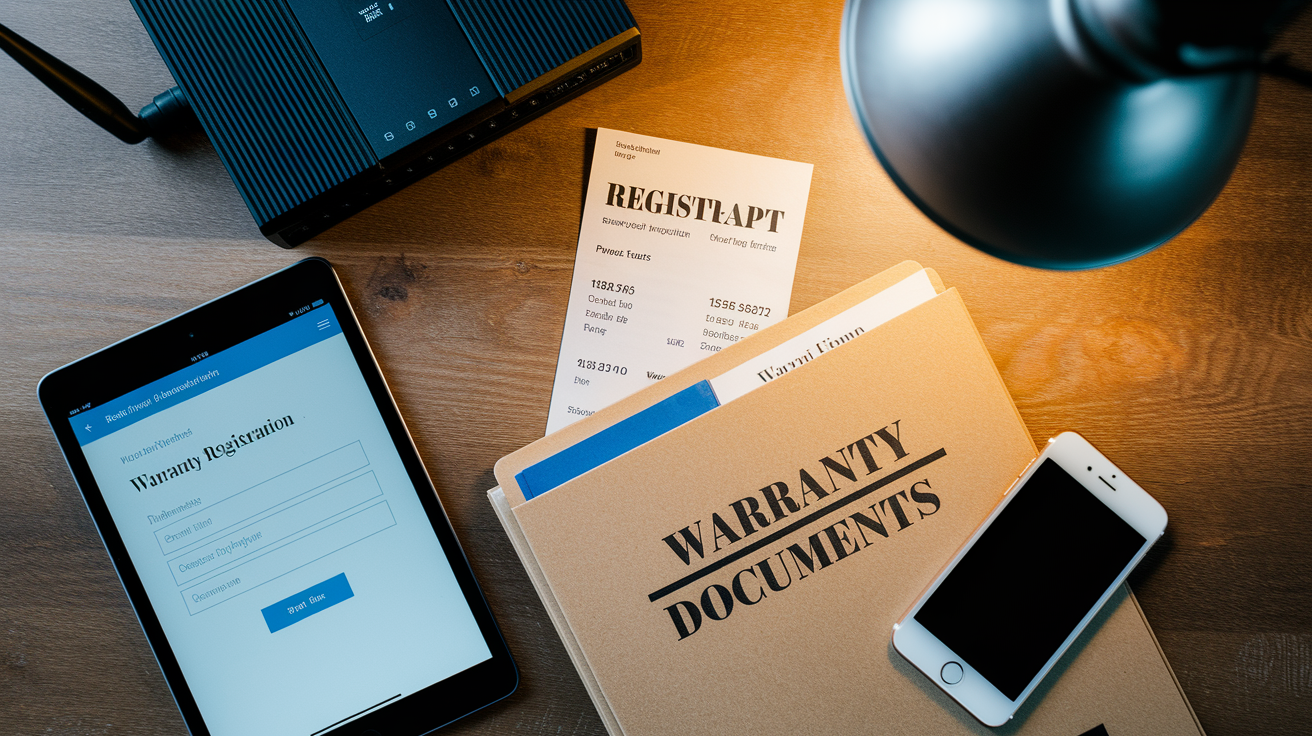
Registering your warranty with the manufacturer, while sometimes optional, often provides important benefits. Extended coverage periods, product recall notifications, smoother claim processing.
You’ll need proof of purchase showing when you bought the router, seller information, and the model number matching your device. Your serial number (usually on a sticker on the router’s bottom or back) serves as the unique identifier linking your specific unit to their warranty database. The purchase date establishes when coverage began and when it expires, making this critical for determining if a failure happened within the warranty window.
Physical retail purchases versus online orders affect how you prove purchase date and authenticity. Store receipts work, but they fade and get lost. Photograph or scan receipts right after purchase to protect your proof. Online purchases generate electronic confirmations and order histories through your account, providing permanent proof that’s harder to lose. Some manufacturers accept credit card statements showing the transaction as backup when other documentation isn’t available, though this depends on the brand’s policy and whether the statement clearly identifies which router model you bought.
Keep warranty documentation accessible for the entire coverage period. Store receipts, registration confirmations, and product info in a specific location or digital folder where you can grab them quickly when needed. Some manufacturers require registration within 30 to 90 days after purchase to activate certain benefits or extended coverage, making prompt registration important even when not technically required. When you file claims, they’ll check their database to confirm your serial number matches a genuine product, verify the purchase date makes sense based on manufacturing dates, and ensure no previous claims or red flags suggest fraudulent activity.
Dead on Arrival and Immediate Replacement Policies
A DOA policy covers routers that don’t work at all when you first unbox and power them on. This is a special warranty category with faster resolution than standard defect claims. It acknowledges that some units leave the factory broken or get damaged during shipping, and you shouldn’t wait through lengthy processes for products that never worked in the first place.
DOA windows typically run 14 to 30 days from purchase date. During this time you can report a completely non-functional router and get expedited replacement.
Most manufacturers define dead on arrival narrowly. The router has to show absolutely no signs of life. No LED lights, no power response, completely undetectable by connected devices. Intermittent problems or partial functionality usually don’t count as DOA and go through standard warranty claims instead.
Advance replacement is the fastest option. The manufacturer ships a new router immediately when your DOA claim gets approved, sometimes before you even return the broken one. This requires a credit card hold for the replacement’s value, which releases once they receive and confirm the dead router. But it eliminates waiting without internet. The alternative? Ship the dead router first, wait for them to receive it, verify it’s actually DOA, then ship a replacement. That can take two to three weeks and leaves you without service unless you buy a temporary router. Some manufacturers offer full refunds during the DOA window while others only do replacements. Return policies through retailers like Amazon or Best Buy might offer easier refunds than going through the manufacturer. Some retailers have money back guarantees extending beyond manufacturer DOA windows, potentially giving you 30 to 90 days to return for a full refund even if it’s not technically DOA but just doesn’t meet your needs. DOA claims process faster than standard warranty claims because the failure is obvious and total. Minimal troubleshooting needed. Often resolves within days instead of weeks.
Warranty Coverage for Second-Hand and Refurbished Routers
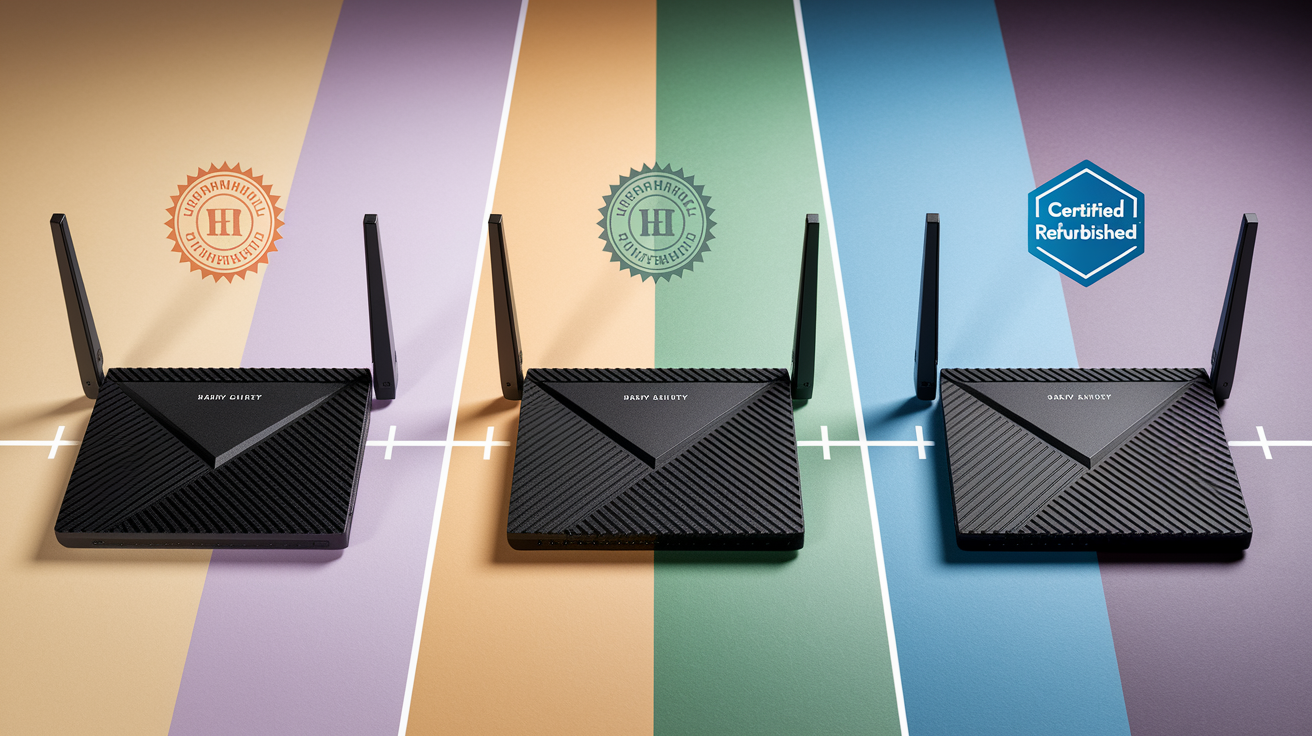
Whether protection follows the router or stays with the original buyer significantly affects coverage when you buy used equipment. Most manufacturers tie warranties to the original purchase date regardless of who owns it now. A router with a one year warranty that’s six months old when you buy it second-hand only has six months left. Some companies don’t allow transfers at all, limiting protection to whoever’s name is on the original proof of purchase. Others permit transfers but require formal notification and sometimes charge fees.
Manufacturer refurbished units or those from authorized retailers typically include limited warranty coverage, though shorter than new product warranties. A refurbished router might get 90 days compared to one year on new units. This reflects reality: refurbished products already failed once even if completely repaired. Consumer rights vary by country and region. Some jurisdictions provide minimum warranty requirements on all sales, including used and refurbished items, that override manufacturer policies.
Common scenarios for used routers: buying from the original owner with proof of purchase and remaining warranty honored by the manufacturer. Buying second-hand without documentation where coverage can’t be verified or claimed. Getting refurbished units from authorized retailers with new limited warranty periods starting at the refurbished purchase date. Acquiring used routers through third party marketplaces where warranty status is unknown and unsupported. Inheriting routers from family or previous tenants with no purchase records and effectively no protection.
When routers fall out of warranty, repairs become your responsibility to arrange and fund. Independent electronics repair shops or manufacturer paid repair programs are your options. These repairs sometimes cost nearly as much as buying a new budget router, making them worthwhile only for expensive mesh systems or high end models where replacement costs significantly exceed repair fees. Third party repair services vary in quality and might void any remaining coverage if you later discover you had partial warranty time left. Confirm warranty status before seeking outside repairs to avoid accidentally voiding protection that could have fixed the issue for free.
Maintaining Valid Router Warranty Coverage

Proper router maintenance throughout the warranty period keeps your coverage valid when you need to file a claim for defects or failures.
Keep firmware updated using only official manufacturer releases from their website or through the router’s admin interface. Avoid installation errors by following setup guides and manufacturer instructions instead of guessing. Document troubleshooting steps before filing claims, including what you tried and error messages that appeared. This shows you made good faith efforts to fix things. Use proper power supplies that came with the router or manufacturer approved replacements with correct voltage and amperage. Maintain adequate ventilation by placing the router in open locations rather than enclosed cabinets and keeping vents unblocked. Keep it in appropriate environmental conditions, avoiding extreme temperatures, high humidity, or dusty locations that speed up component degradation.
Software issues versus hardware issues have different warranty implications. Hardware defects like failed components are clearly covered. Software problems from wrong configuration might void coverage if they cause hardware damage. Proper configuration prevents situations where incorrect settings make the router operate outside normal parameters, potentially overheating components or creating electrical stress that leads to failure the manufacturer could blame on misuse. Following manufacturer recommendations for network setup, device limits, and feature usage keeps operation within supported parameters that maintain validity.
Performance drops and connection problems should be addressed through systematic troubleshooting following manufacturer guidelines. Eliminate configuration issues before assuming hardware failure. Start with basics: reboot the router, check for firmware updates, verify cable connections. Then move to advanced steps like factory resets or changing wireless channels. This methodical approach might resolve the issue without warranty claims. It also demonstrates to the manufacturer that you’ve ruled out user caused problems, strengthening your case if the router truly has a defect needing warranty service. Keep written records of troubleshooting efforts, including dates and specific steps. This documentation supports warranty claims and shows you’ve used the product reasonably while trying to resolve issues before requesting manufacturer help.
Final Words
Router warranty coverage explained doesn’t have to feel complicated once you understand what’s actually protected and what voids coverage.
Most routers come with standard one-year protection against manufacturing defects and hardware failure, but keeping your proof of purchase, avoiding unauthorized repairs, and following proper claim procedures makes all the difference when something goes wrong.
Register your router, document any issues as they happen, and know your manufacturer’s specific terms before you need them.
That way, if your router fails during the warranty period, you’re ready to get it replaced or repaired without the runaround.
FAQ
What does a router warranty actually cover?
A router warranty covers defects in materials and workmanship from the manufacturer, including faulty circuit boards, malfunctioning ethernet ports, broken LED indicators, defective power adapters, and design-related overheating problems during the specified warranty period.
What is not covered under a router warranty?
Router warranties do not cover accidental damage from drops or spills, power surge damage, physical damage from mishandling, normal wear and tear, unauthorized repairs or modifications, user installation errors, configuration mistakes, or damage from commercial use.
Do routers have a manufacturer warranty?
Routers have a manufacturer warranty that typically lasts one year from the date of purchase, though some premium brands offer two or three-year protection, and a few offer limited lifetime warranties with specific restrictions on what’s actually covered.
How long should a NETGEAR router last under warranty?
A NETGEAR router typically comes with a one-year limited warranty from the date of purchase, covering manufacturing defects and hardware failures, though actual product lifespan usually extends well beyond the warranty period with proper care and maintenance.
Can you transfer a router warranty to a second owner?
Router warranty transfer policies vary by manufacturer, with some allowing transfer to second owners with proof of original purchase, while others tie warranties exclusively to the original purchaser, making second-hand routers potentially out of warranty coverage.
What’s the difference between a manufacturer warranty and an extended warranty?
A manufacturer warranty is the standard limited coverage for defects included with purchase, while an extended warranty is optional paid protection from retailers or manufacturers that extends the coverage period and may include accidental damage that standard warranties exclude.
What is a DOA policy for routers?
A DOA (dead on arrival) policy covers routers that don’t function out of the box, typically offering replacement or refund within 14 to 30 days of purchase, with faster processing than standard warranty claims and sometimes advance replacement options.
Does opening a router void the warranty?
Opening a router or performing unauthorized repairs typically voids the warranty, as manufacturers consider modifications or service by anyone other than authorized service centers as exclusions that terminate coverage for both the repair and future claims.
What documents do you need to claim a router warranty?
To claim a router warranty, you need proof of purchase like a receipt or order confirmation, the product serial number, the date of purchase for warranty validation, and documentation of the defect symptoms and troubleshooting steps already attempted.
Do firmware updates affect router warranty coverage?
Firmware updates using official manufacturer releases maintain router warranty coverage, but installing unauthorized or third-party firmware, making configuration errors, or causing software issues through improper updates may void warranty protection depending on manufacturer terms.